Remote appliance control
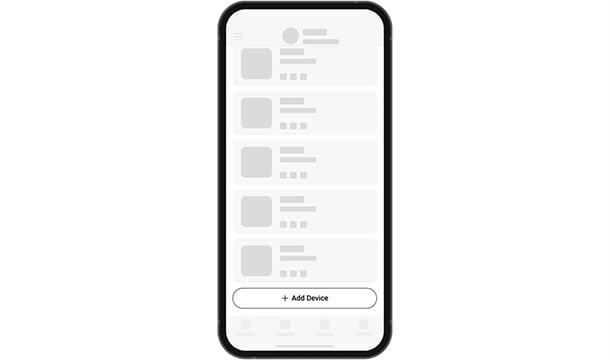
Switch suitable equipment from the Ajax app.
Smart plug with power consumption monitoring
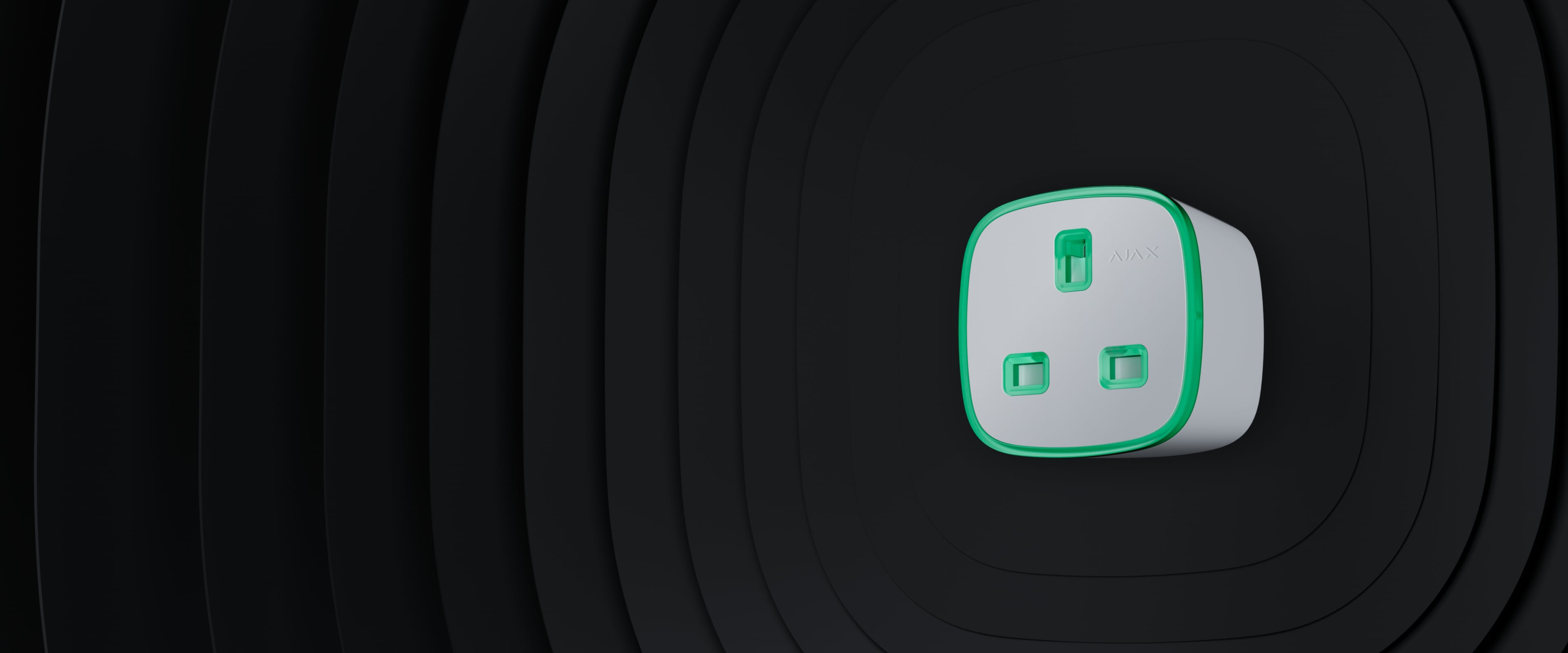
Turn a compatible appliance on or off from the Ajax app and monitor its electricity consumption. The plug-in format adds smart control without replacing a built-in wall outlet.
Switch suitable equipment from the Ajax app.
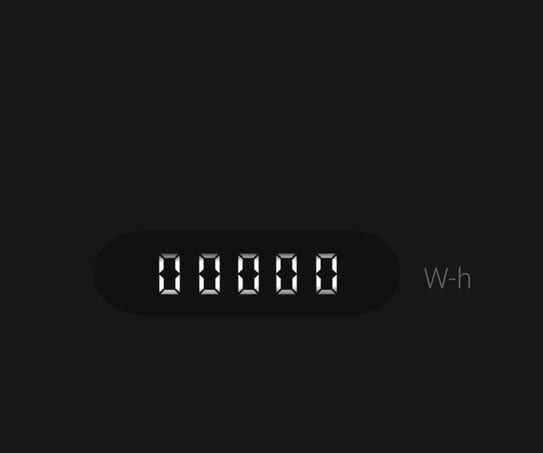
Check electricity readings and appliance consumption.
The LED changes colour to show the current consumption level.
Use a schedule or a configured system event.
Current, voltage, and temperature protection are built in.
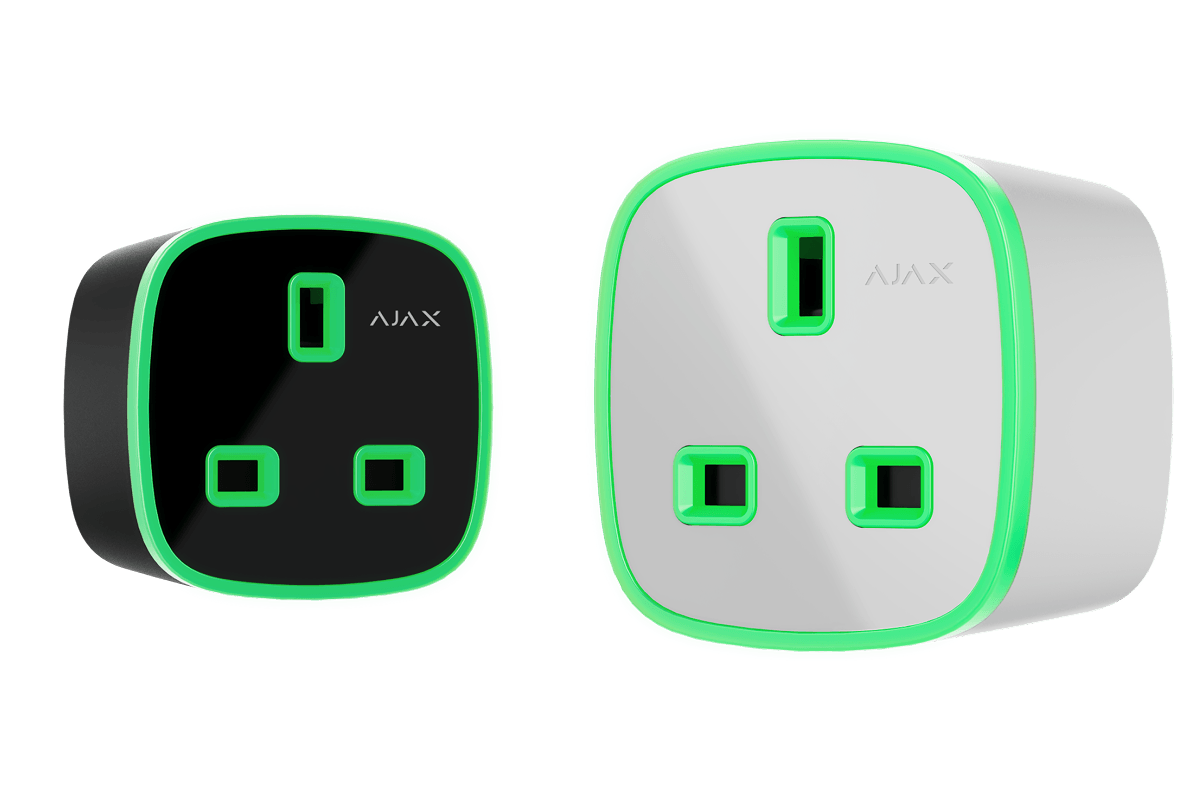
Select the correct plug format for the appliance and outlet.
See whether connected equipment is powered and switch it remotely when needed. Consumption readings help identify equipment drawing electricity.
CHM checks that the connected device is suitable for remote switching and within the plug’s ratings.
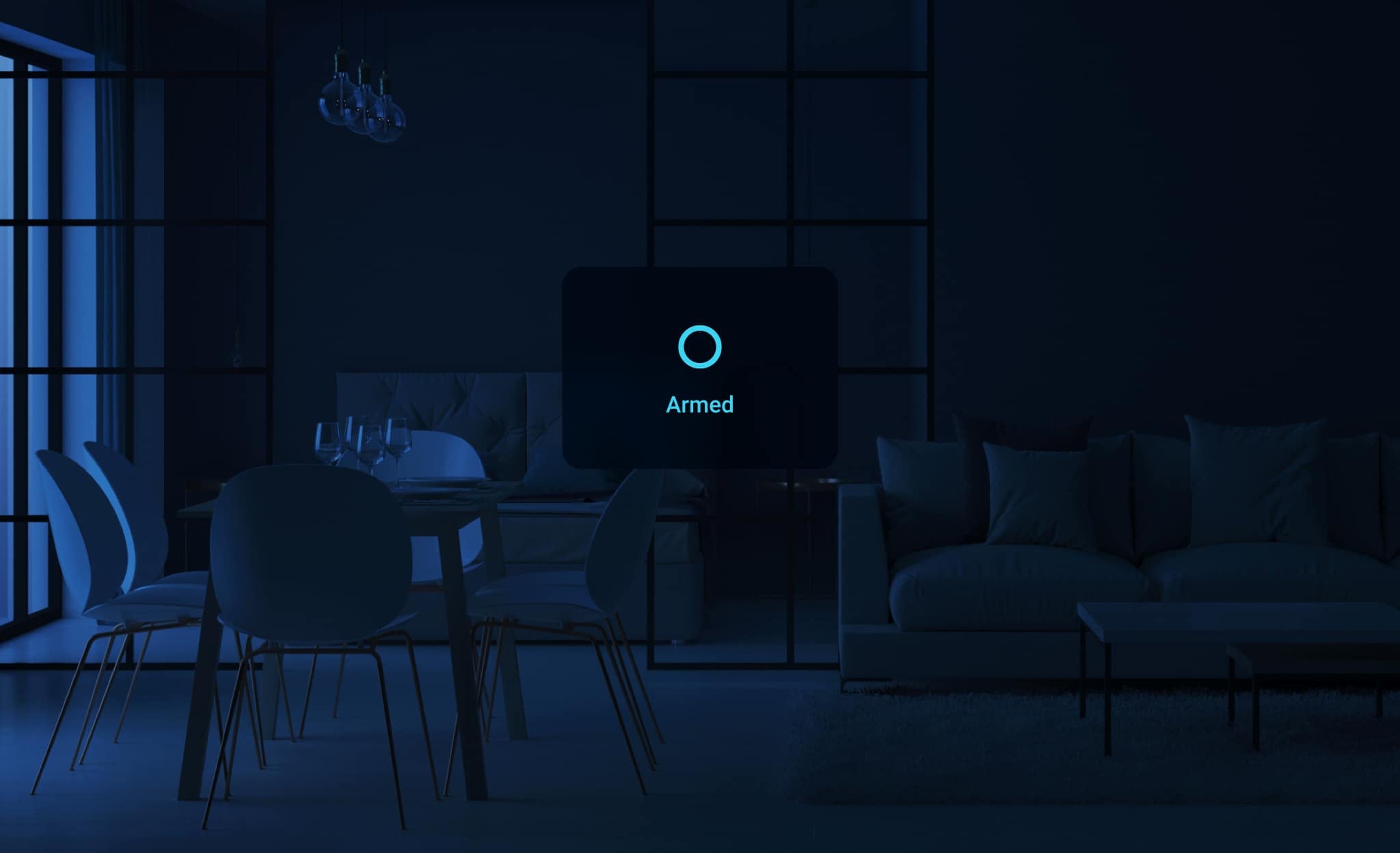
Configure the plug to switch equipment on by schedule or switch it off when the system is armed. Compatible system events can also trigger an automation scenario.
Bistable and pulse operation support different control tasks. The required mode is selected for the intended equipment.
This type G model supports a maximum continuous load current of 13 A and up to 3 kW of resistive load at 230 V AC. Other load types must be assessed separately.
Protective shutters help prevent objects from reaching the contacts. Built-in electrical protection monitors the supply and the connected load.
Plug the device into a suitable outlet and add it to a compatible Ajax system by scanning its QR code. Assign a room and configure the intended settings and scenarios.
CHM verifies the exact hub or range extender compatibility, radio signal, and appliance operation before handover.
| Plug type | Type G |
|---|---|
| Maximum continuous current | 13 A |
| Output at 230 V AC | Up to 3 kW, resistive load |
| Control modes | Bistable and pulse |
| Installation | Indoor plug-in device; compatible Ajax hub required for smart features |
For complete installation requirements and current specifications, use the official documents below.
Contact CHM Security for a model-specific configuration, installation assessment, and quotation for your property in Cyprus.