Two Ethernet ports
Connect two suitable network cables at the wall outlet.
A two-port Ethernet outlet for a coordinated interior
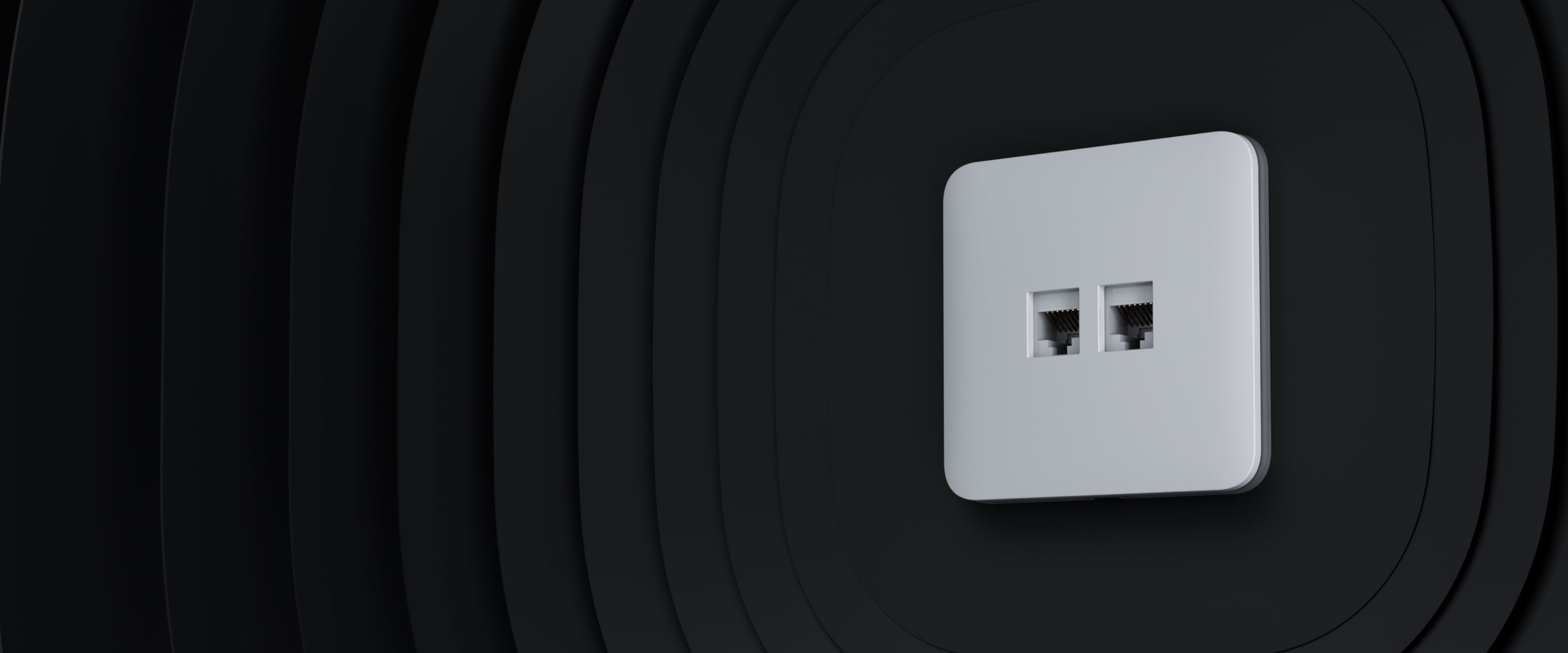
Connect network equipment through a two-port wall outlet with the same design language as Ajax light switches and power outlets. It supports compatible CAT.5e and CAT.6 cabling for wired data connections.
Connect two suitable network cables at the wall outlet.
Supported transmission speed with suitable cabling and equipment.
Designed for these twisted-pair cable categories.
Ethernet connection distance with a compliant cable installation.
Coordinate with matching Ajax devices.
No hub pairing or remote control in the Ajax app.
Provide network access for computers, televisions, and other Ethernet equipment in homes or offices.
Connection performance depends on the complete cabling route, termination quality, and connected network devices. CHM checks these as part of the installation.
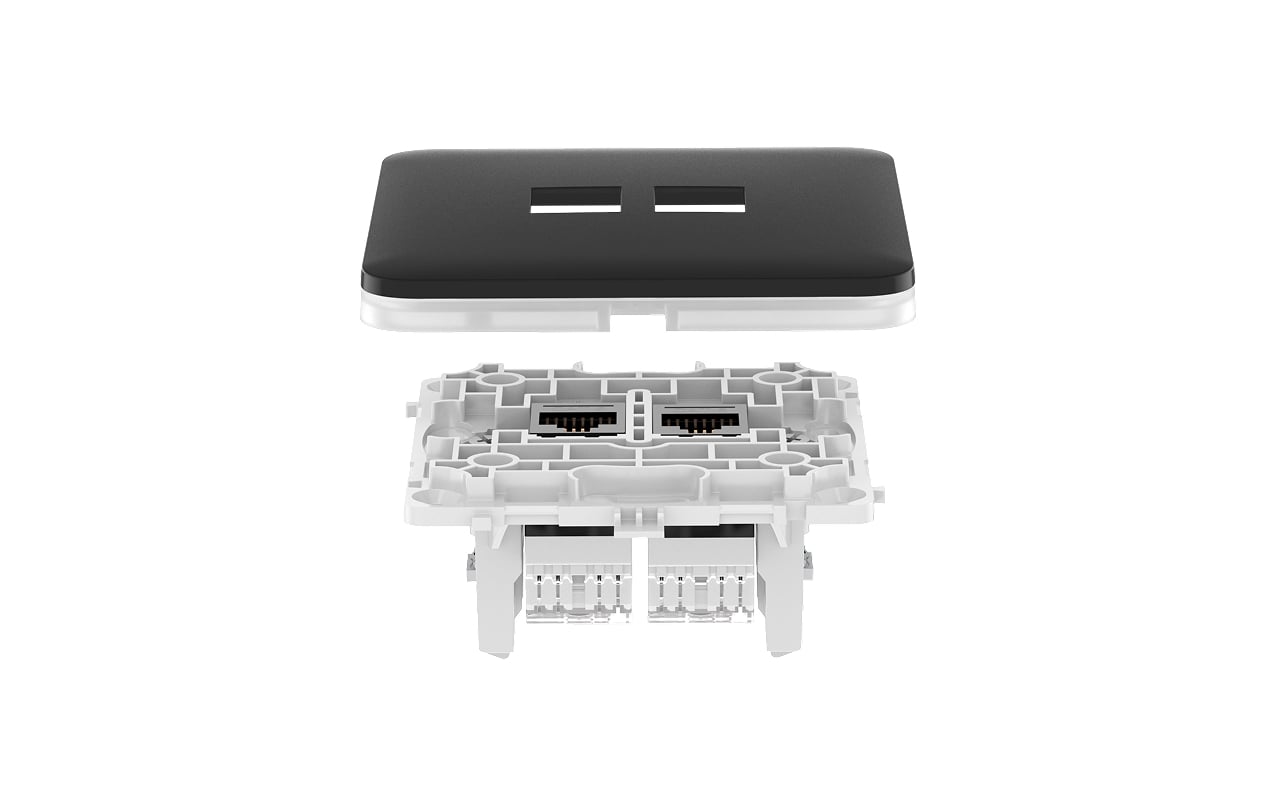
Use the outlet on its own or combine it with suitable Ajax outlets and switches in a compatible Frame.
Horizontal and vertical layouts require matching components. Any combination that includes a smart outlet must use the supported horizontal layout.
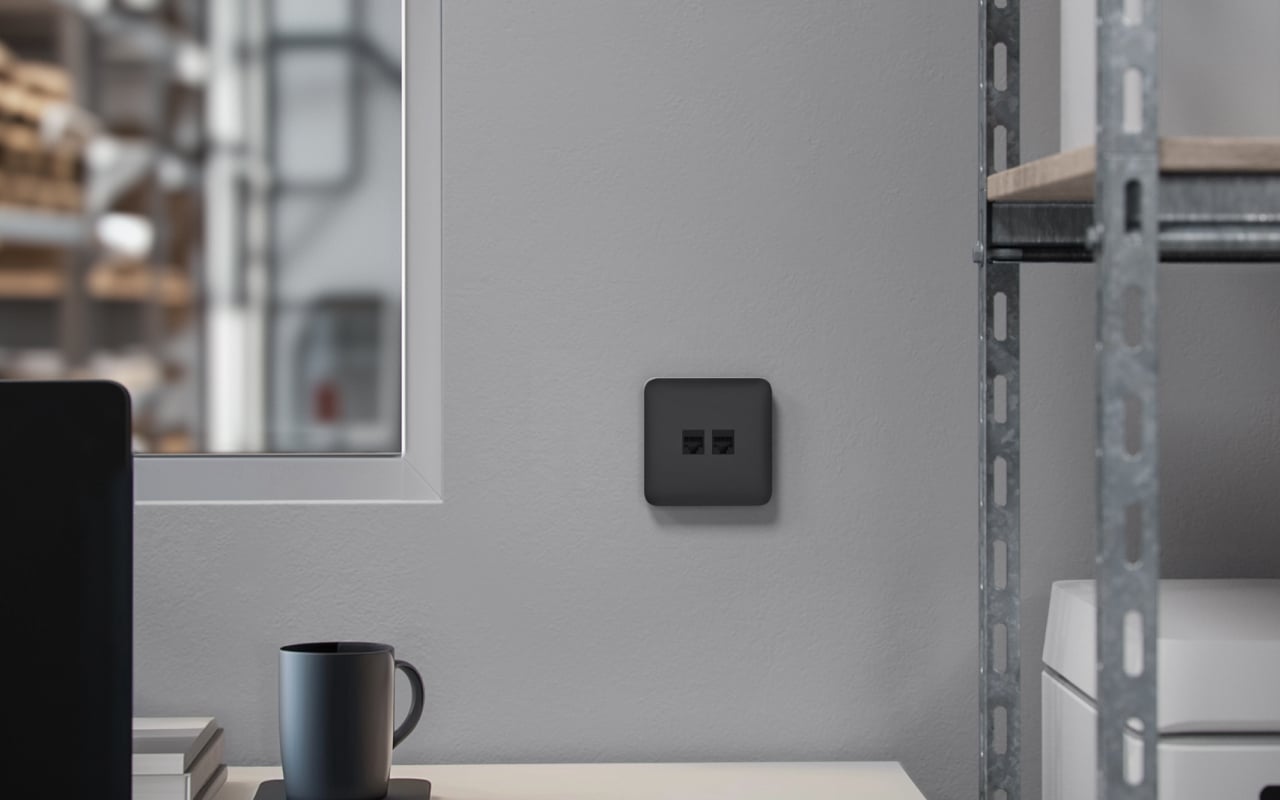
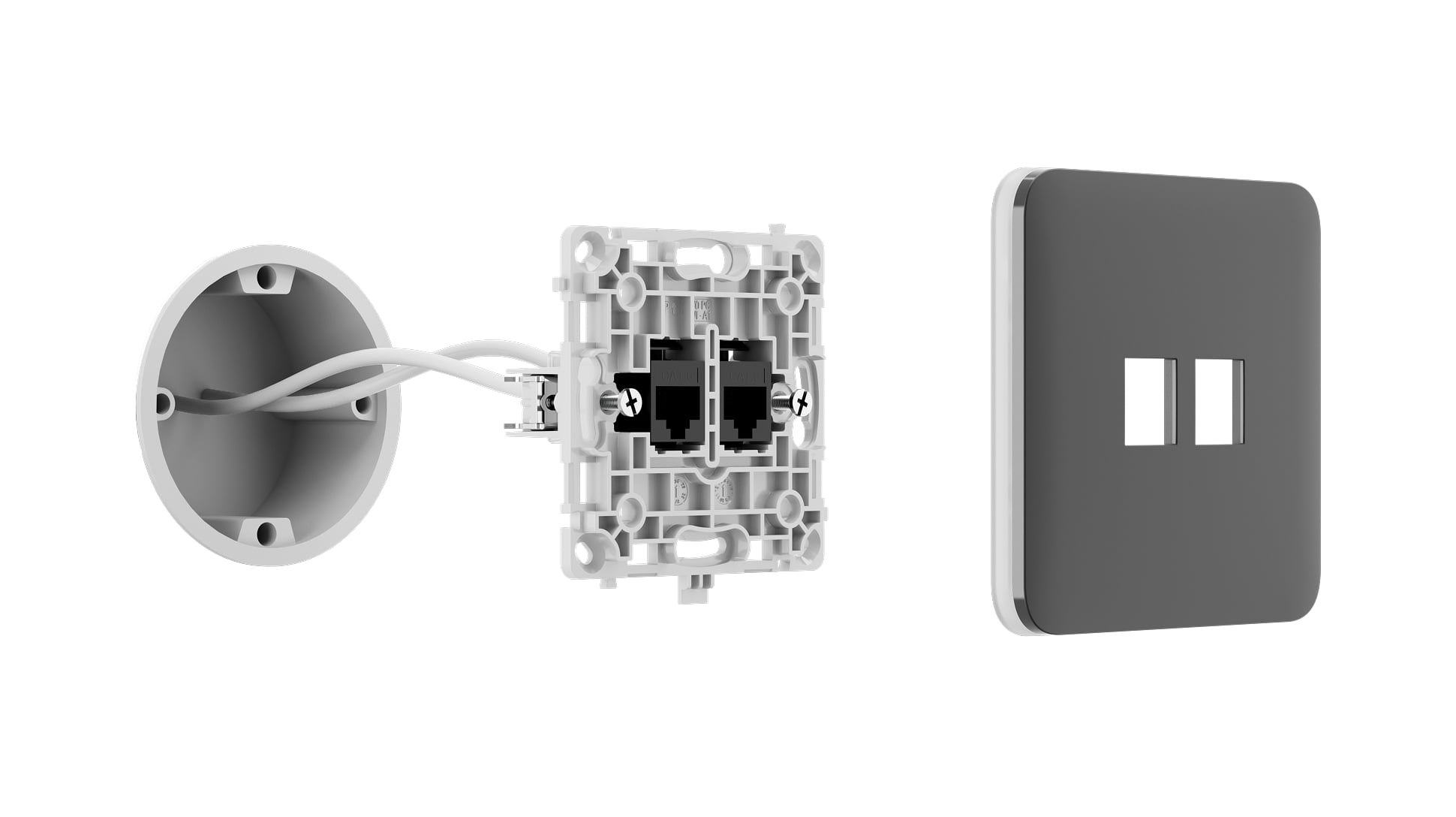
The assembly uses the network core and matching front cover, with a frame when combining multiple devices. The two Ethernet ports also have colour options.
CHM selects the required parts, terminates the cabling, and tests the network connection. Outlet (LAN) is a passive network outlet and is not added to an Ajax hub.
| Ports | 2 × Ethernet |
|---|---|
| Cable compatibility | CAT.5e and CAT.6 |
| Data rate | Up to 1 Gbit/s |
| Cable distance | Up to 100 m for the specified Ethernet connection |
| Ajax app control | Not supported |
For complete installation requirements and current specifications, use the official documents below.
Contact CHM Security for a model-specific configuration, installation assessment, and quotation for your property in Cyprus.