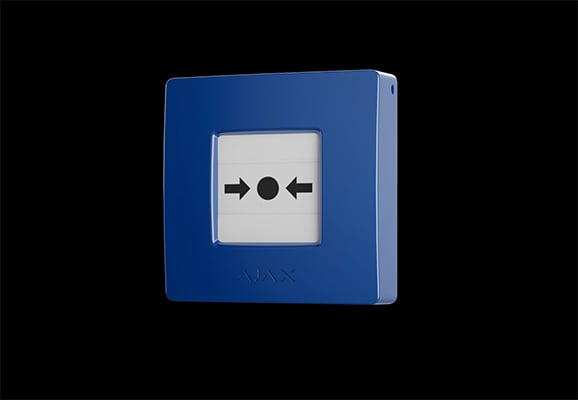
Four colour versions
Blue, Green, Yellow, and White, with the same feature set.
Resettable control for programmable scenarios
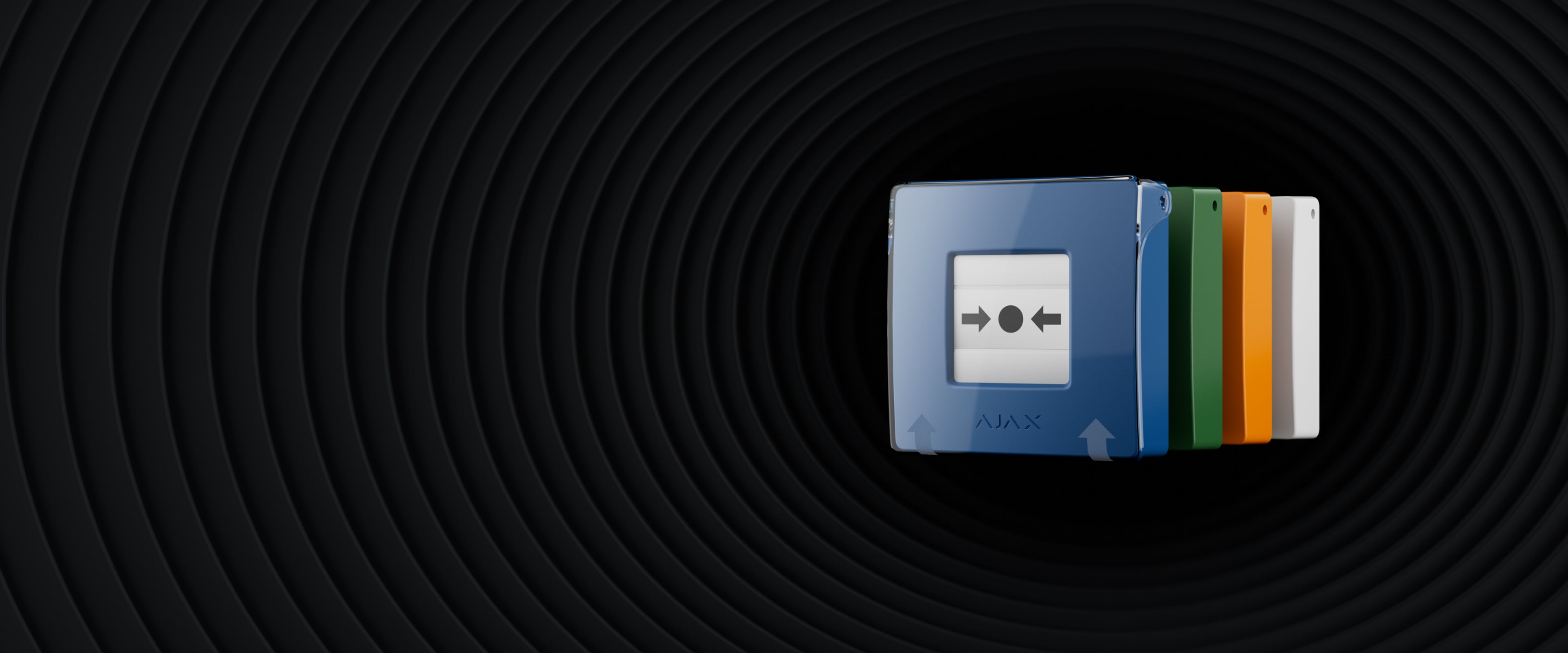
Activate a configured system action with a single press. The blue, green, yellow, and white versions combine a resettable button mechanism with wireless supervision and flexible operating modes in the Ajax system.
Blue, Green, Yellow, and White, with the same feature set.
Control compatible automation devices with a configured action.
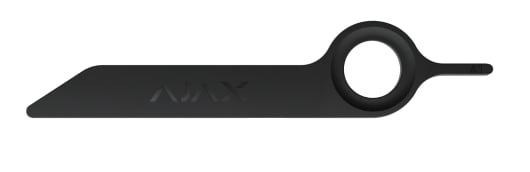
Restore the button after activation using the supplied key.
Help reduce accidental button presses.
Device state and communication information are available in the app.
Up to 7 years on included batteries, depending on use and settings.
The default scenario-trigger mode controls one or more compatible automation devices. Configured actions can include lighting, ventilation, or an electric lock through the appropriate control equipment.
Other alarm modes depend on the connected hub or control panel, software, and device settings. CHM selects and tests the required operating mode for the application.
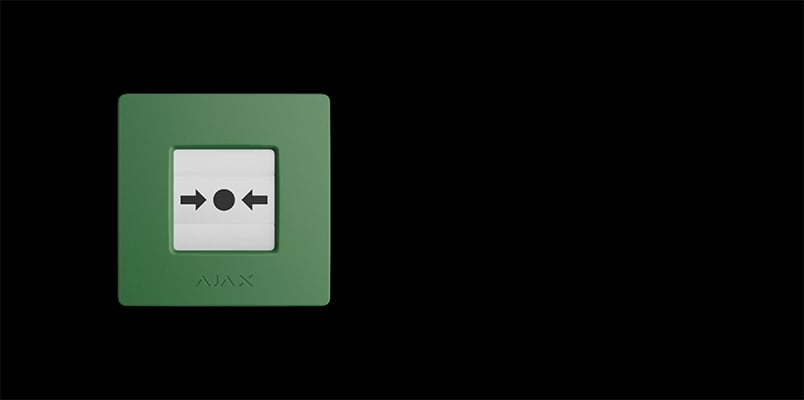
The protective transparent lid helps avoid accidental presses. After activation, the button is restored using the bundled reset key.
Blue, green, yellow, and white enclosures allow the installation to identify the intended control function. The function is configured in the system.
The device reports its state to the Ajax system, including communication and battery information. The mounting panel includes tamper detection.
Events and notifications depend on the chosen operating mode and monitoring configuration.
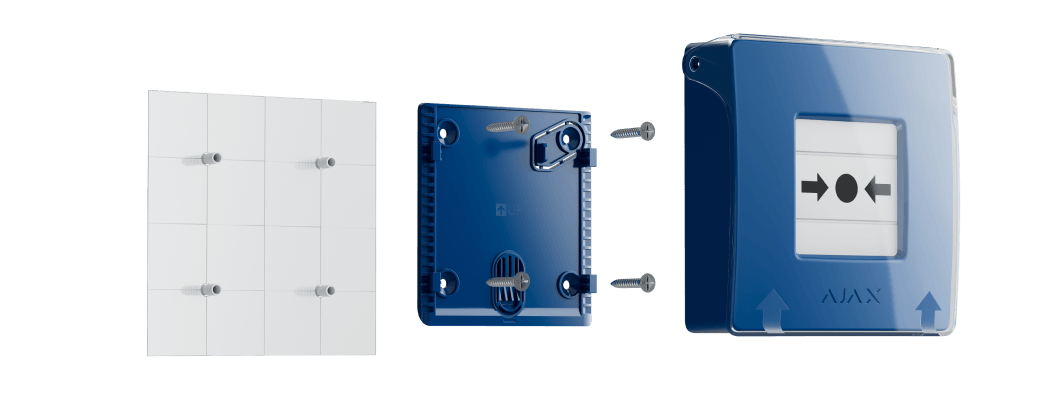
The device mounts with SmartBracket and is paired using its QR code. CHM checks the mounting location, access, radio signal, and the actions triggered by each press.
This page covers the Blue, Green, Yellow, and White versions. The Red ManualCallPoint is described on its separate CHM product page.
| Versions | Blue, Green, Yellow, White |
|---|---|
| Default operating mode | Scenario trigger |
| Reset | Bundled key |
| Battery life | Up to 7 years; depends on settings and use |
| System compatibility | Exact hub or control panel and firmware must be checked |
For complete installation requirements and current specifications, use the official documents below.
Contact CHM Security for a model-specific configuration, installation assessment, and quotation for your property in Cyprus.